


Rapid Trigger
Tune every press.
See live travel and tune actuation down to 0.1 mm.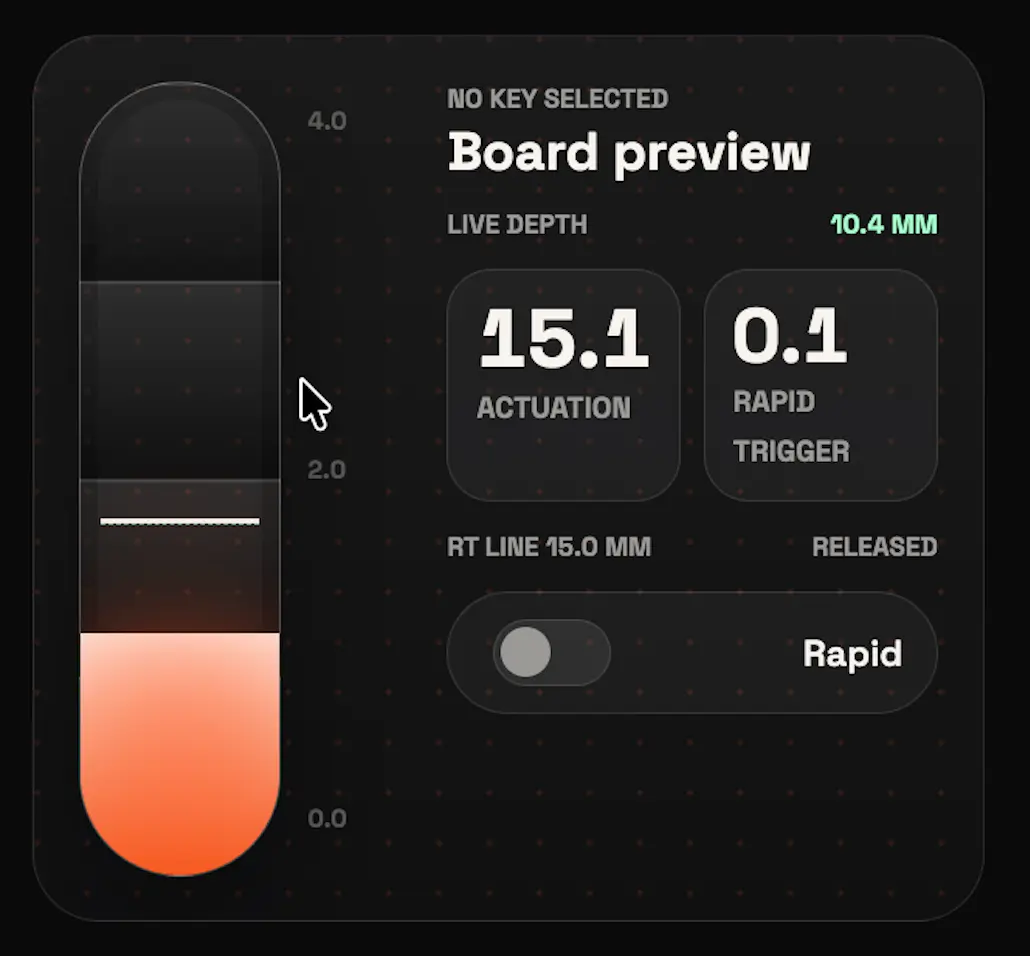

0+ users are gaming better
Unlock faster inputs, cleaner movement, and the full potential of your gear.
 Windows App
Soon
Windows App
Soon
QK Studio Web only compatible with Chrome, Edge, and other Chromium-based browsers.
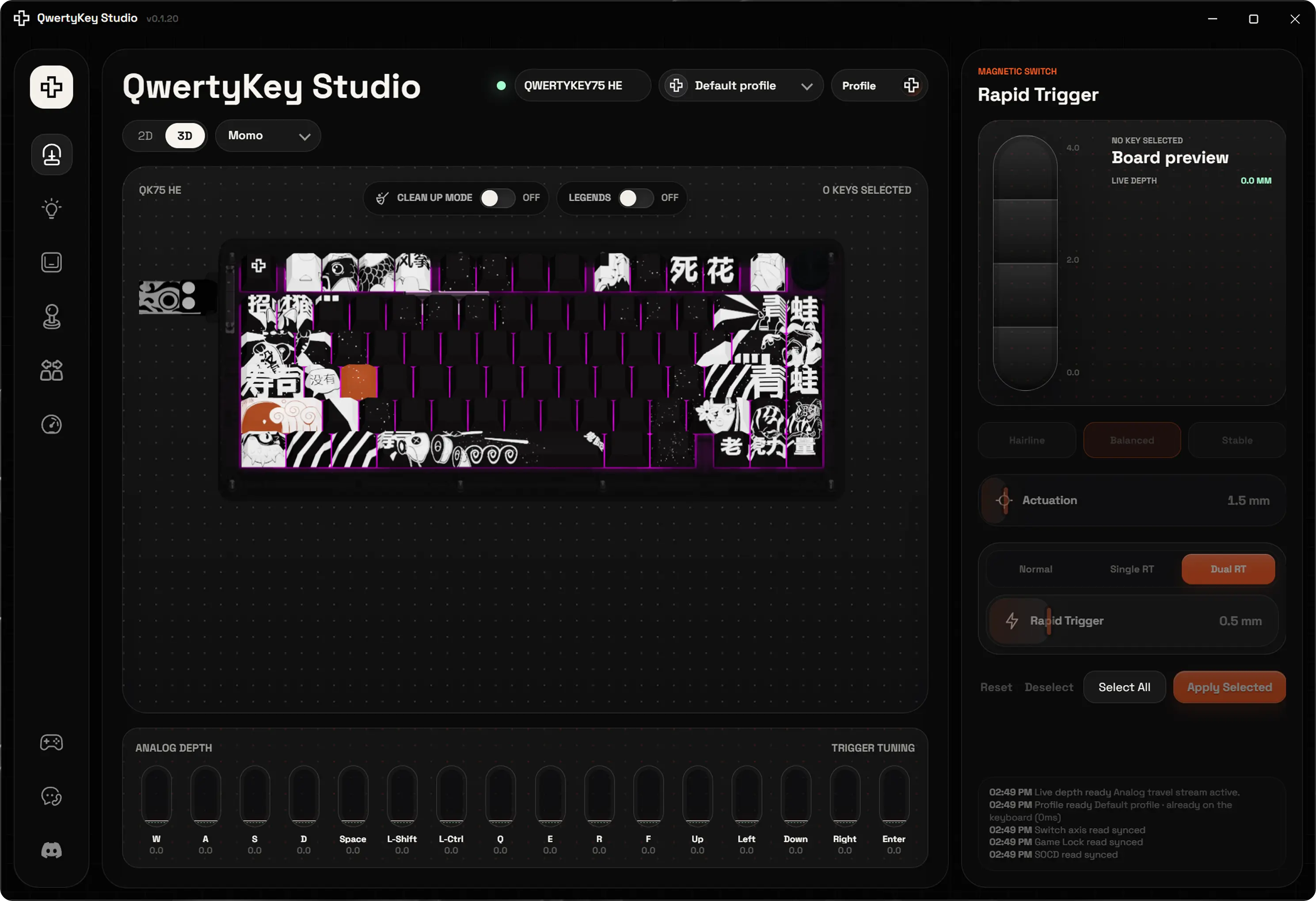
One studio. Every setting.
Rapid Trigger
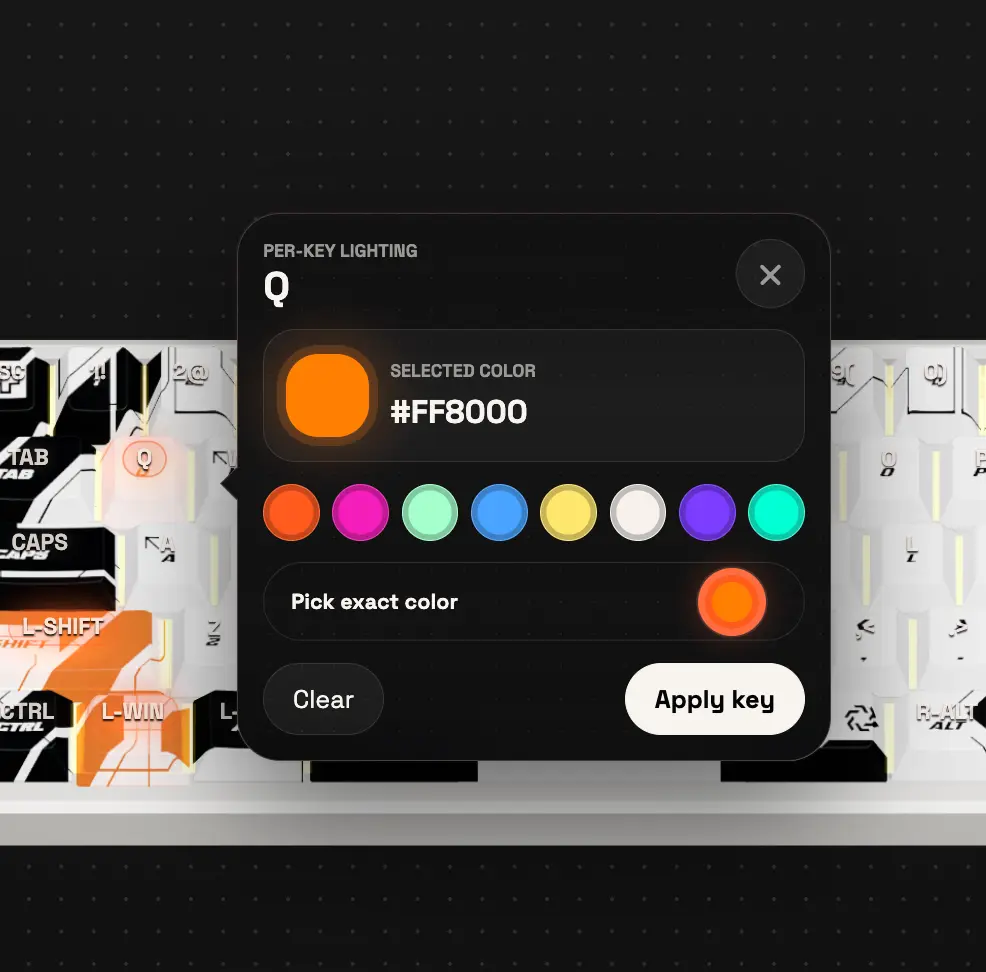
Per-key lighting
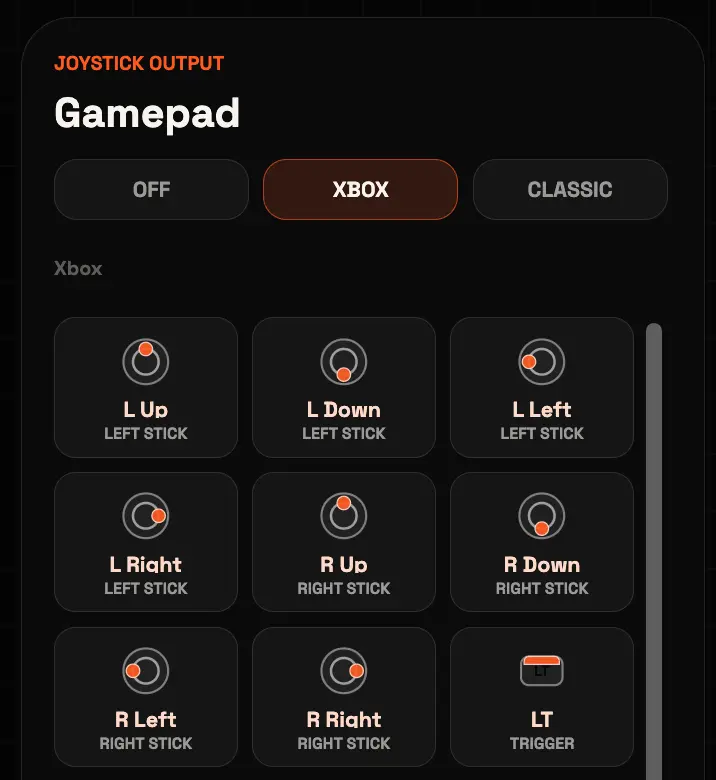
Gamepad
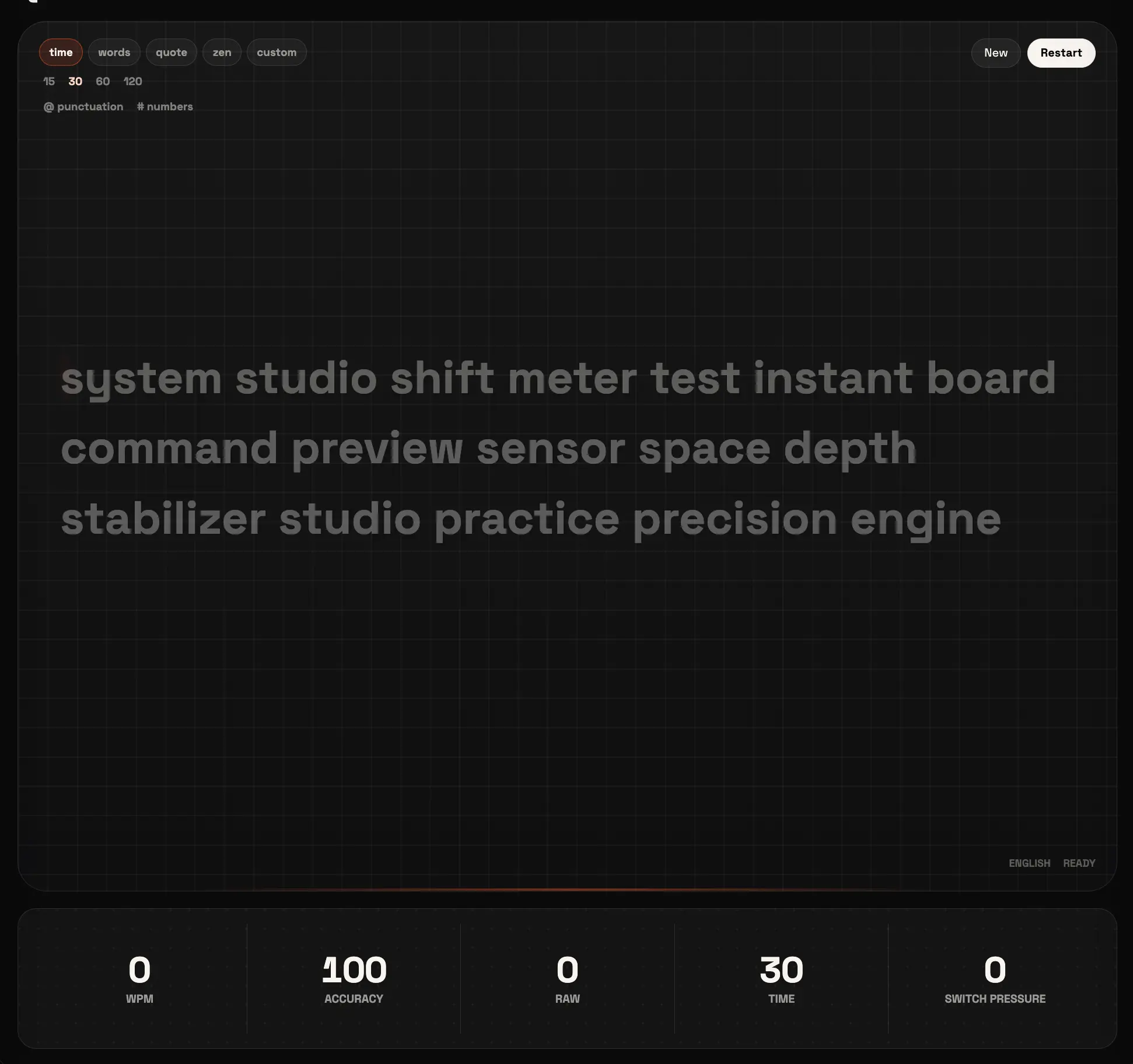
Typing test
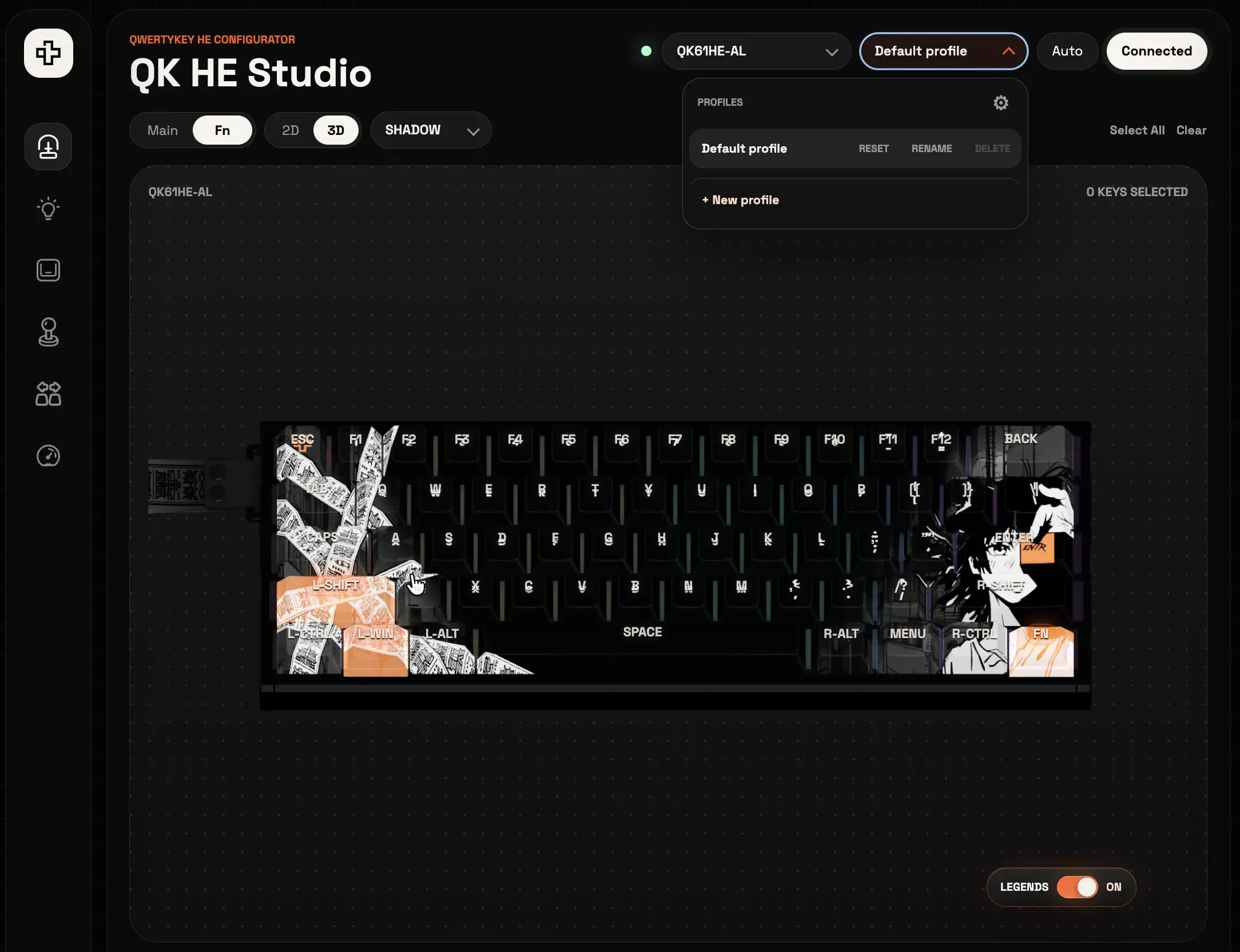
Profiles
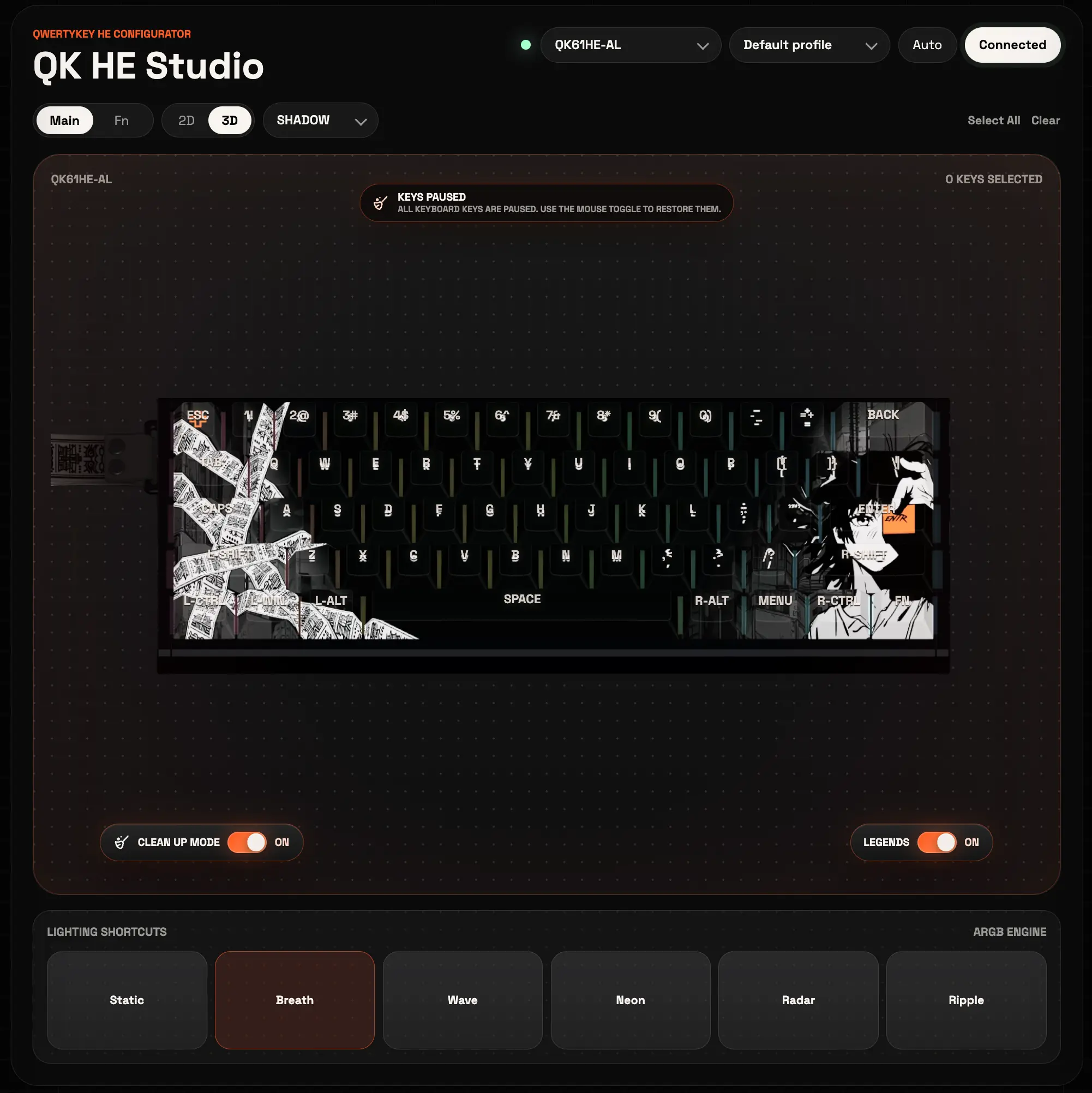
Clean up mode
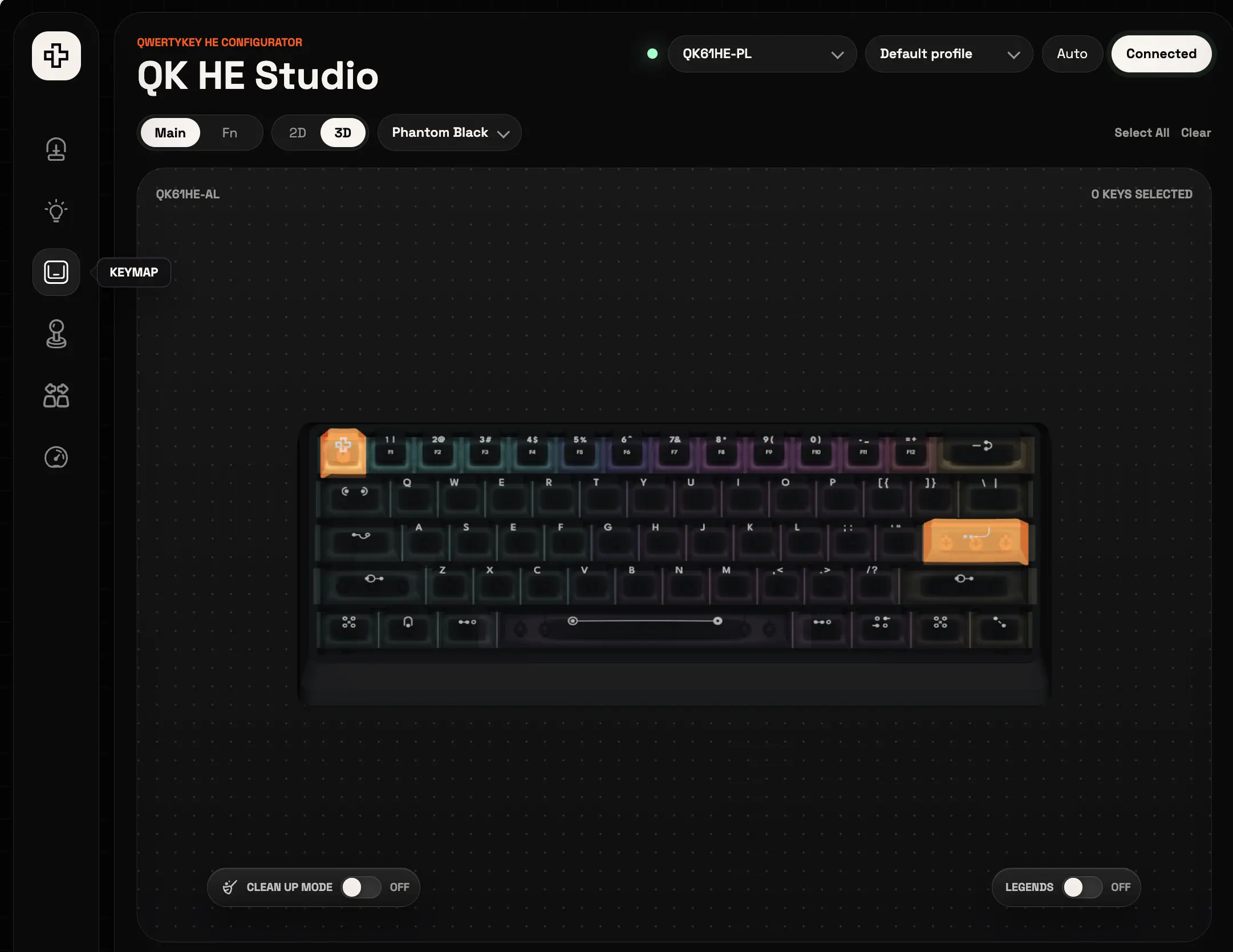
Keymap + 3D
Made for QwertyKey Studio
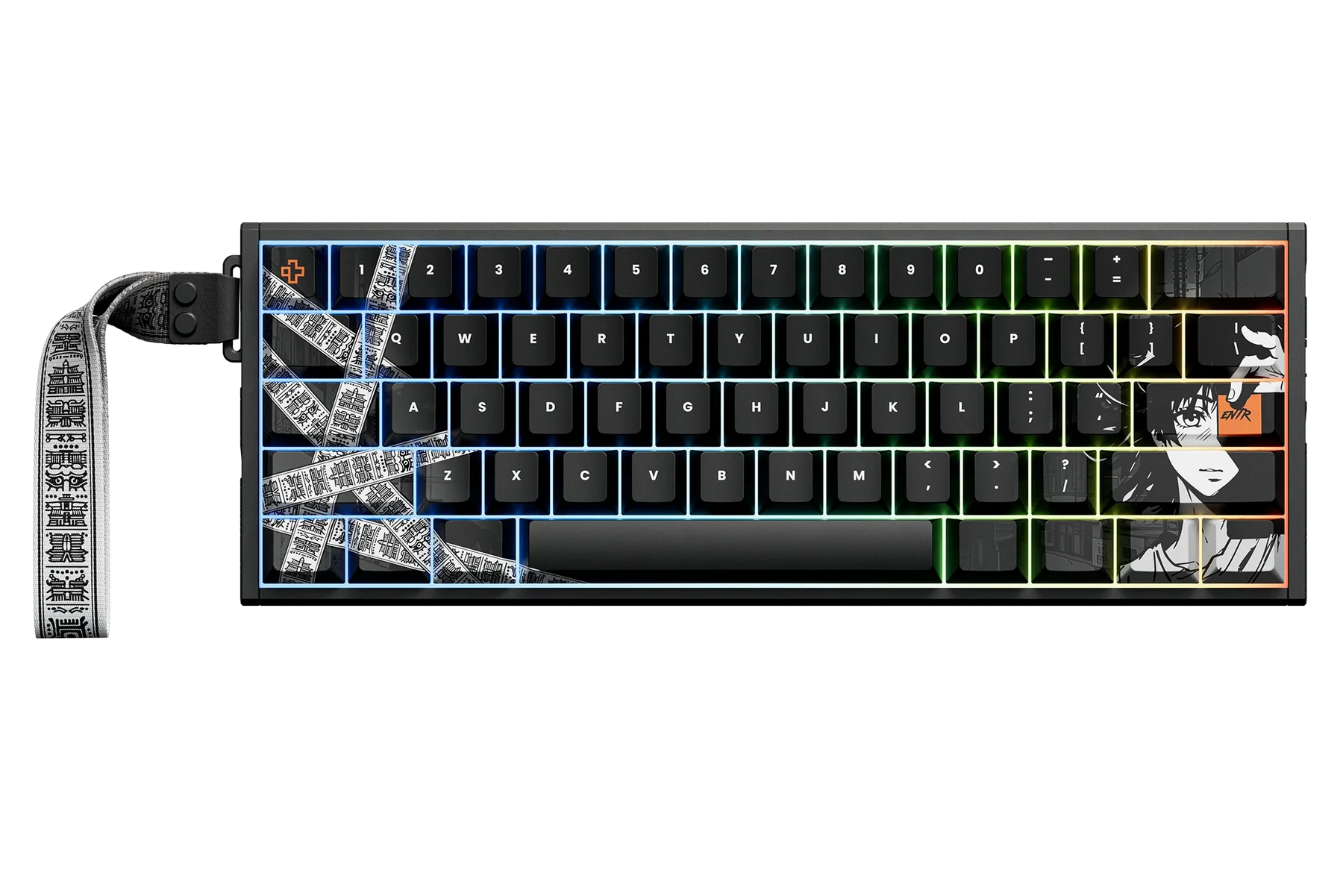
61% Hall Effect · HE-AL
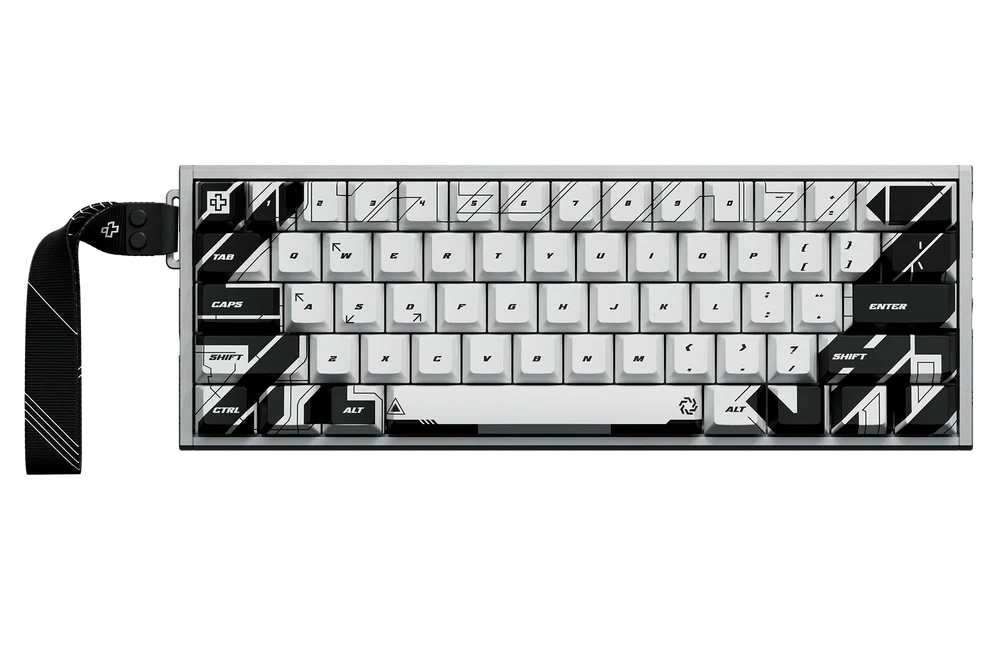
61% Hall Effect · HE-AL
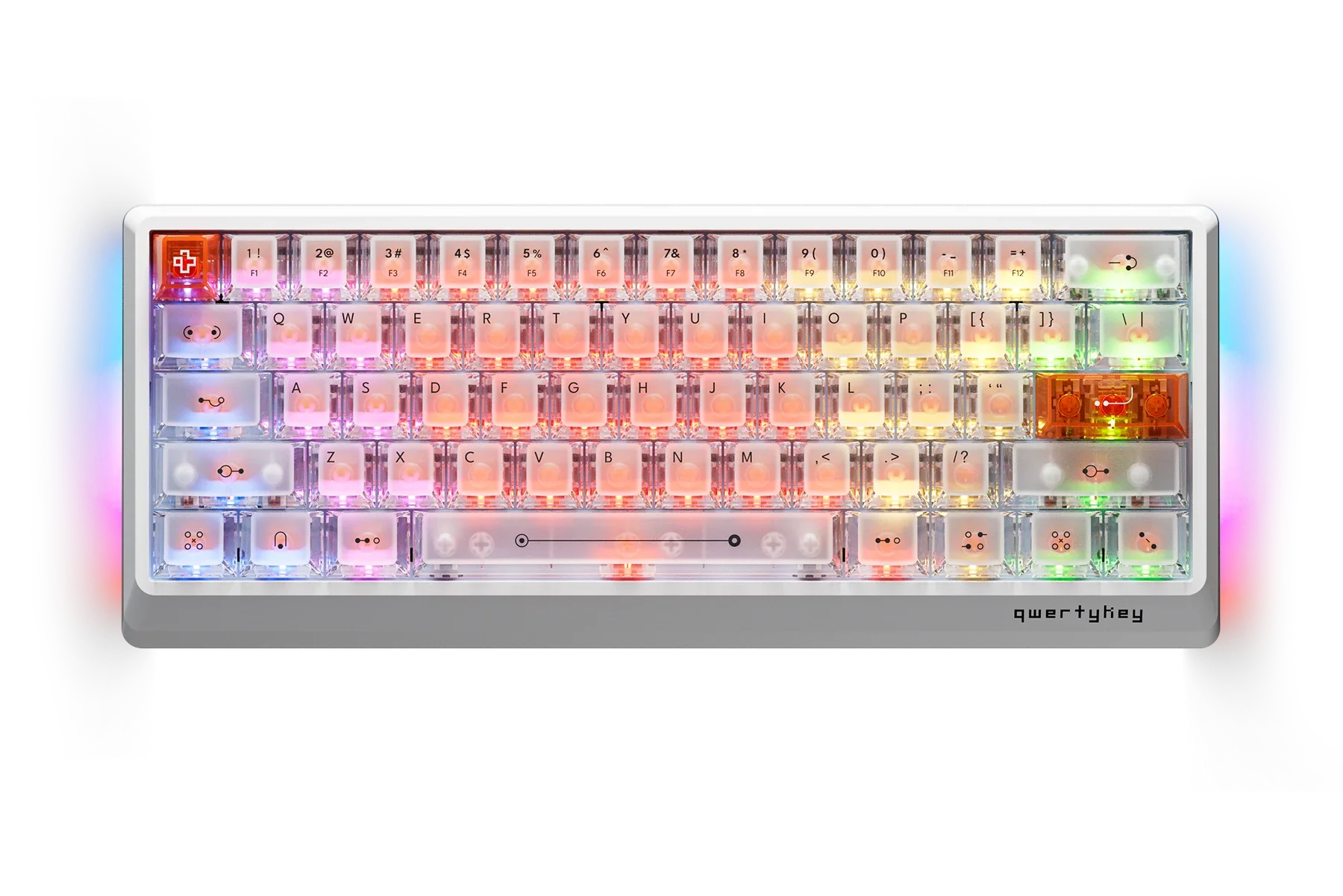
61% Hall Effect · HE-PL
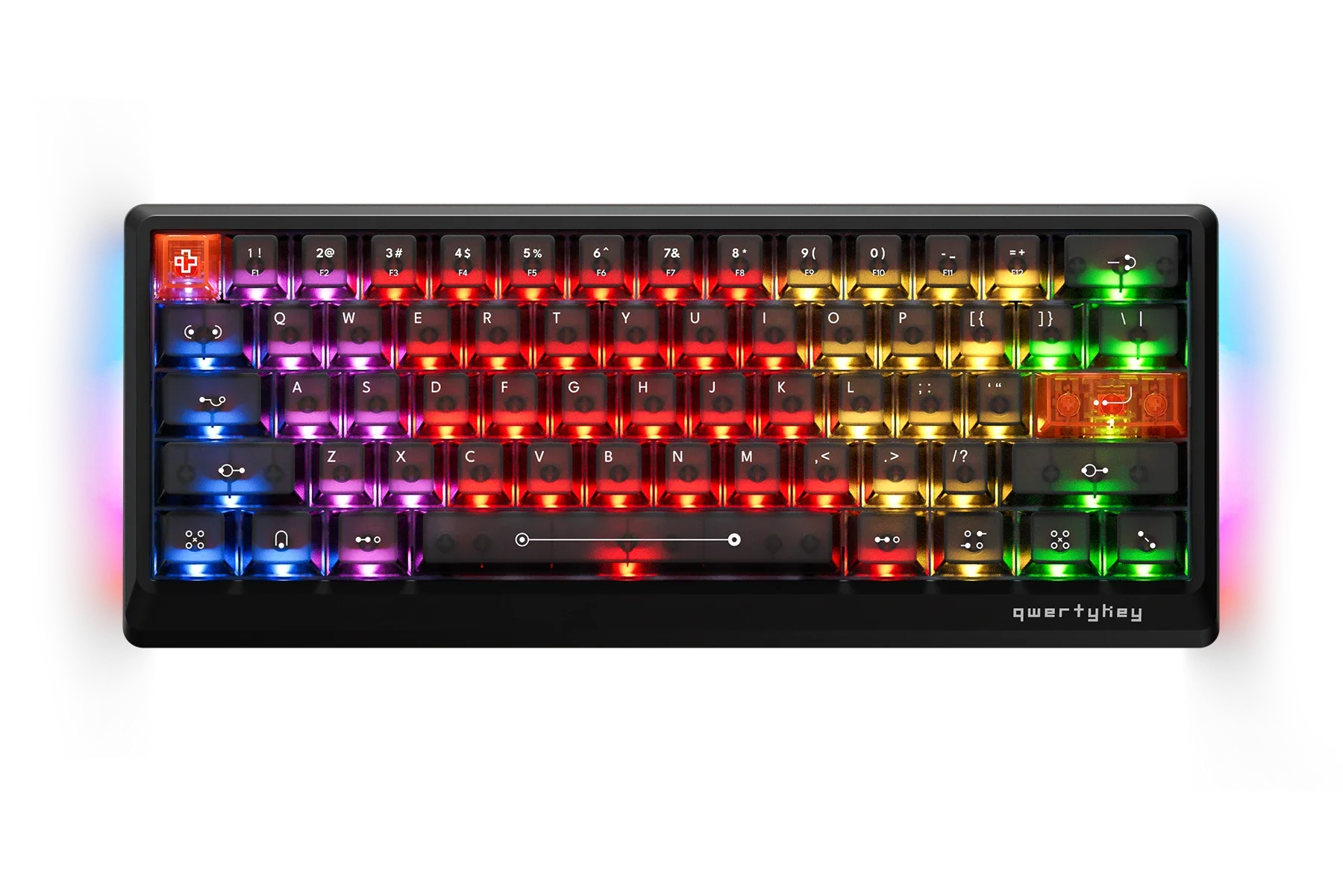
61% Hall Effect · HE-PL
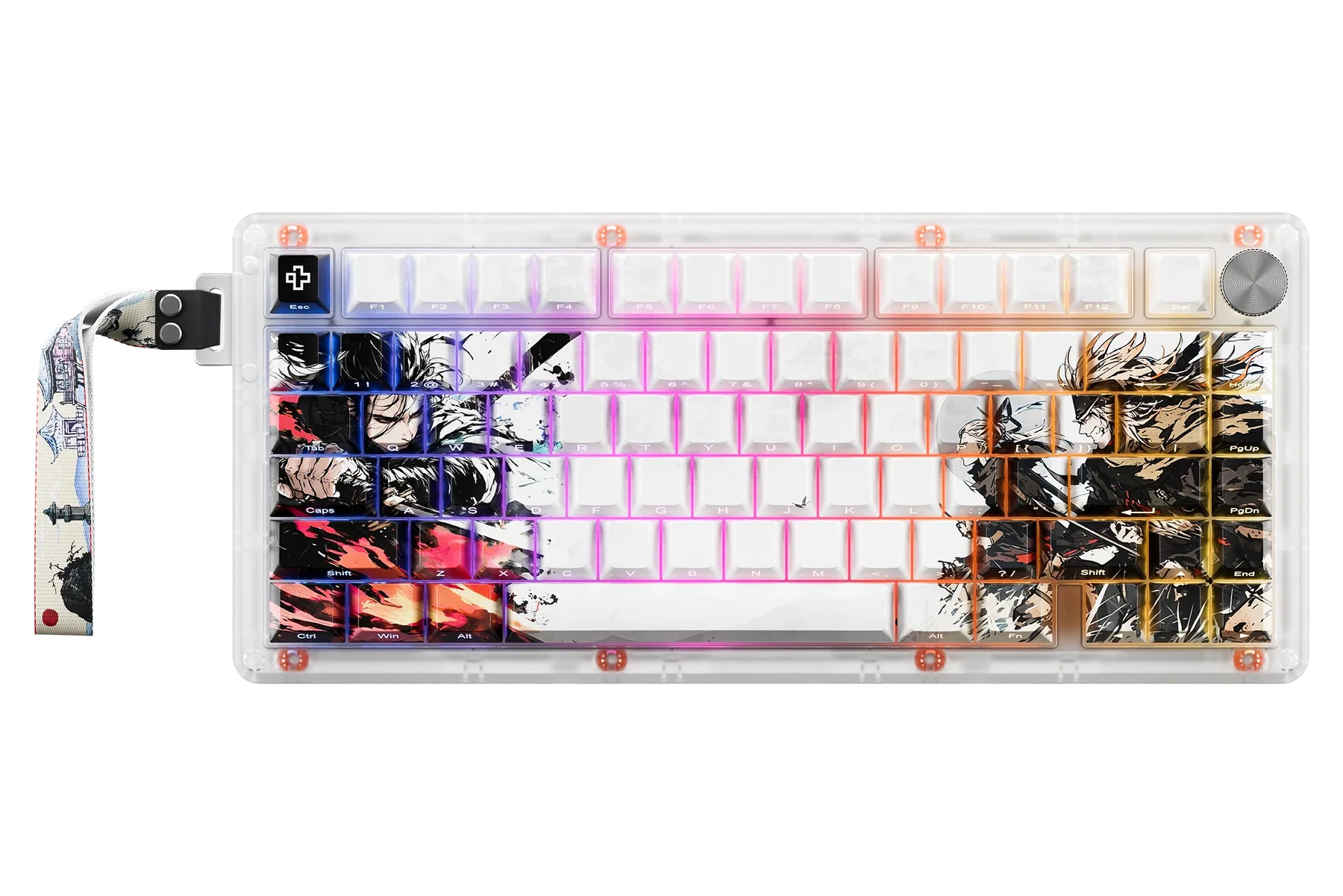
75% Hall Effect
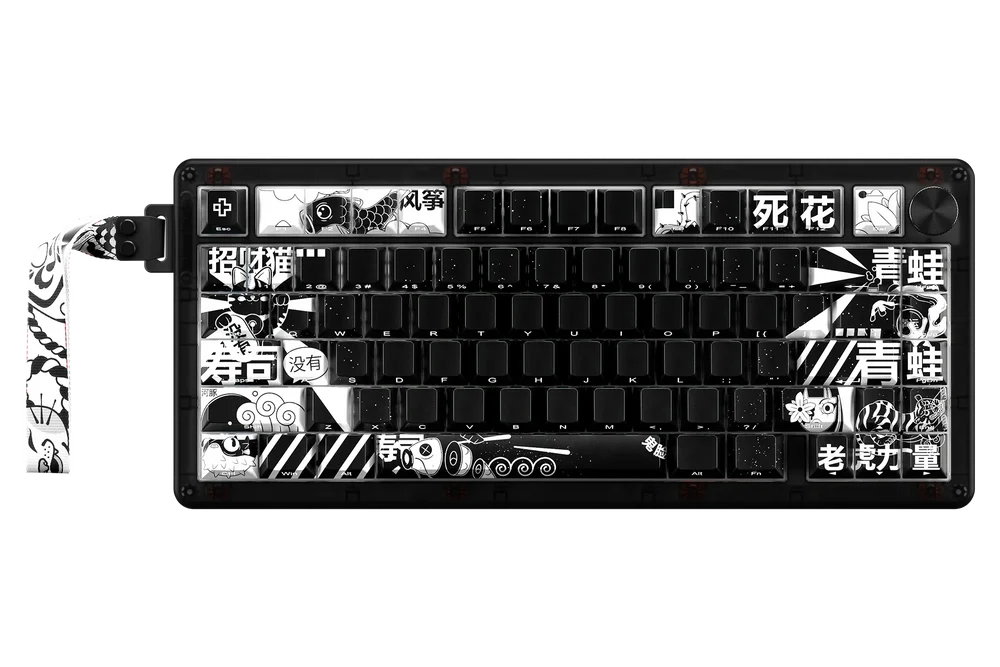
75% Hall Effect

75% Mechanical · PRO

75% Mechanical · PRO

61% Mechanical · PRO

61% Mechanical · PRO

61% Mechanical · H Series

61% Mechanical · H Series

TKL Mechanical · H Series

TKL Mechanical · H Series

Wireless Headset · Pulse
No Browser Support - Download QwertyKey Studio on Windows 11.

Wireless Headset · Pulse
No Browser Support - Download QwertyKey Studio on Windows 11.
Update your keyboard for better performance and new features.
 Coming soon
QKM1 Black
Coming soon
QKM1 Black
 Coming soon
QKM1 White
Coming soon
QKM1 White
QK Pulse ready
Loading QK Pulse Black
Sound
Available in QwertyKey Studio for Windows 11.
Connect the dongle to check Virtual 7.1.Microphone
Available in QwertyKey Studio for Windows 11.
Connect the dongle to check AI noise reduction.Equalizer
Available in QwertyKey Studio for Windows 11.